Github网址:https://github.com/OpenListTeam/OpenList
OpenList官网:https://openlistteam.github.io/docs/zh/guide/install/docker.html
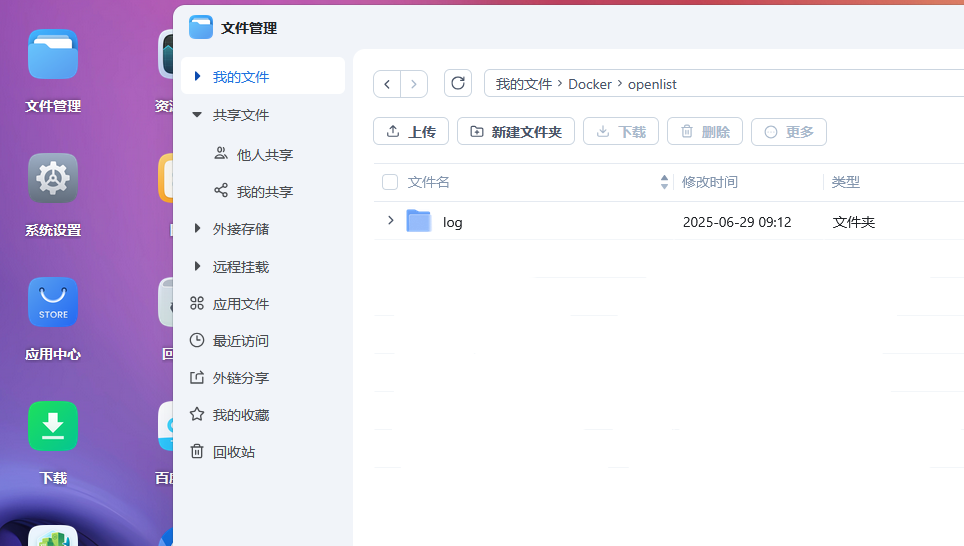
创建一个openlist文件夹
打开Docker
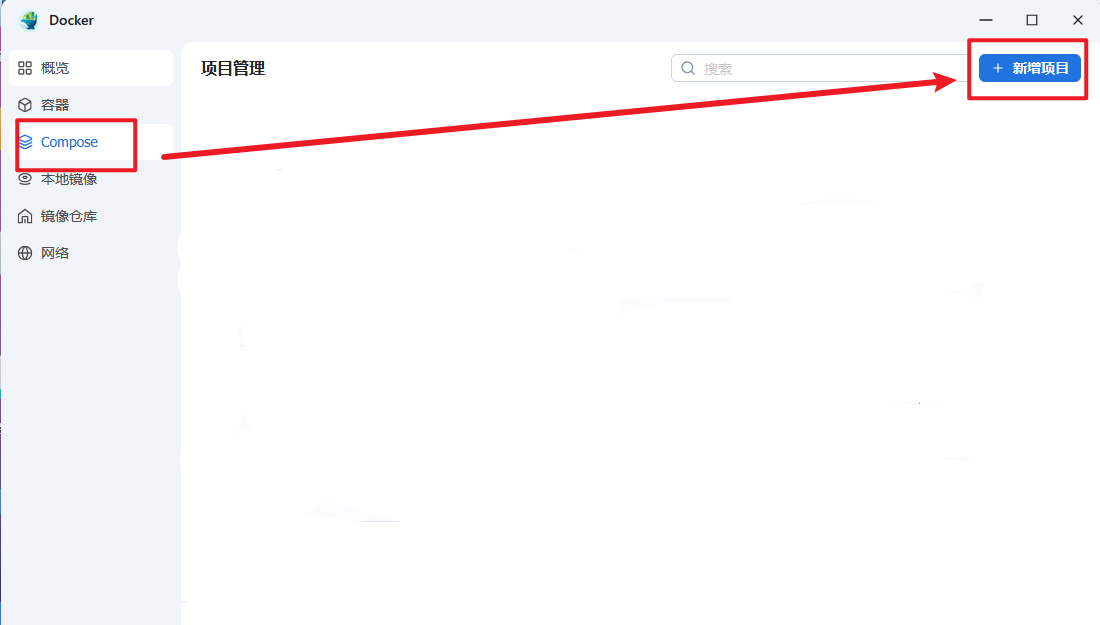
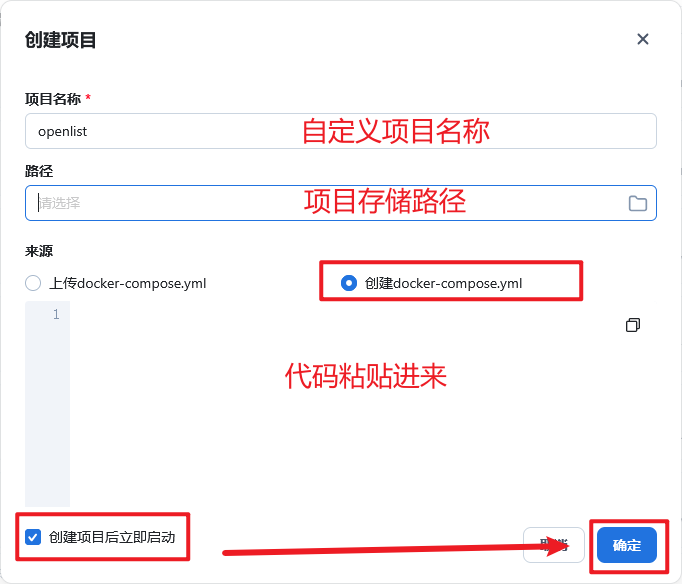
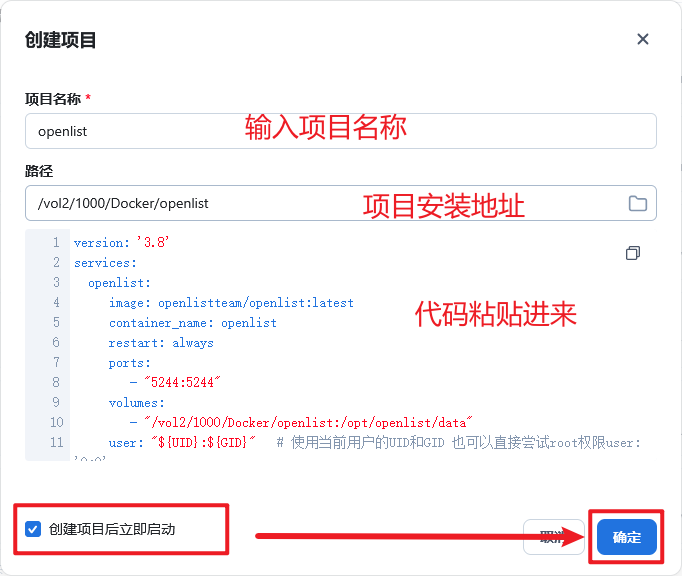
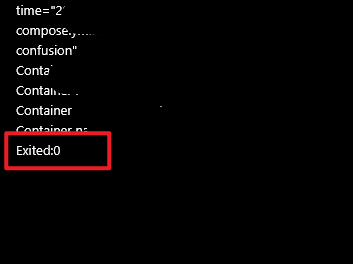
如下提示说明部署完成
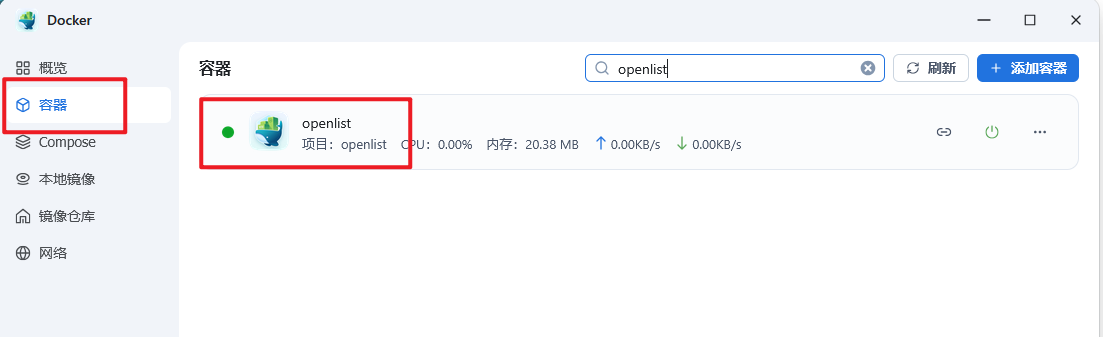
返回Docker——容器找到openlist
version: '3.8'

services:

  openlist:

    image: openlistteam/openlist:latest

    container_name: openlist

    restart: always

    ports:

      - "5244:5244"          #5244端口可修改:后面5244不可修改“

    volumes:

      - "/vol2/1000/Docker/openlist:/opt/openlist/data"         #安装目录“/vol2/1000/Docker/openlist”地址自行修改

    user: "${UID}:${GID}"  # 使用当前用户的UID和GID 也可以直接尝试root权限user: '0:0'

    environment:

      - UMASK=022